

Build Prep Guide
The Build Prep Guide is a practical list of tools and materials to help you prepare for your next model kit project.
Whether you are building for fun, preparing for DPC, or planning a small diorama, this guide helps you check the basic tools before you start.
This is not a fixed shopping list. You do not need everything here before starting a build.
This guide is simply a practical reference for builders who want to check their tools, materials, and basic preparation setup before starting a model kit project, contest entry, or diorama build.


Core Tools Introduction
Start with the tools that affect the early stage of almost every build: cutting, cleanup, sanding, basic modification, and assembly. These are the tools most builders will use before painting, weathering, or display work begins.
Building & Assembly Tools
These are the basic tools used at the early stage of most model kit builds — cutting parts from runners, trimming edges, handling small pieces, and supporting general assembly work. A simple cutter, knife, and tweezer setup can already make the building process smoother and more controlled.

Bandai Spirits Entry Side Cutter
For basic part removal from runners.

74040 Tamiya Modeler’s Knife
For trimming, cleanup, and small cutting work.


Hobby Mio Tweezers
For handling small parts, decals, and detail pieces.
Painting & Finishing Tools
Before painting or applying top coat, surface preparation is important. Sanding tools help clean nub marks, smooth rough areas, and prepare parts for later painting, panel lining, or finishing work. This section focuses on simple tools that support cleaner surface preparation.
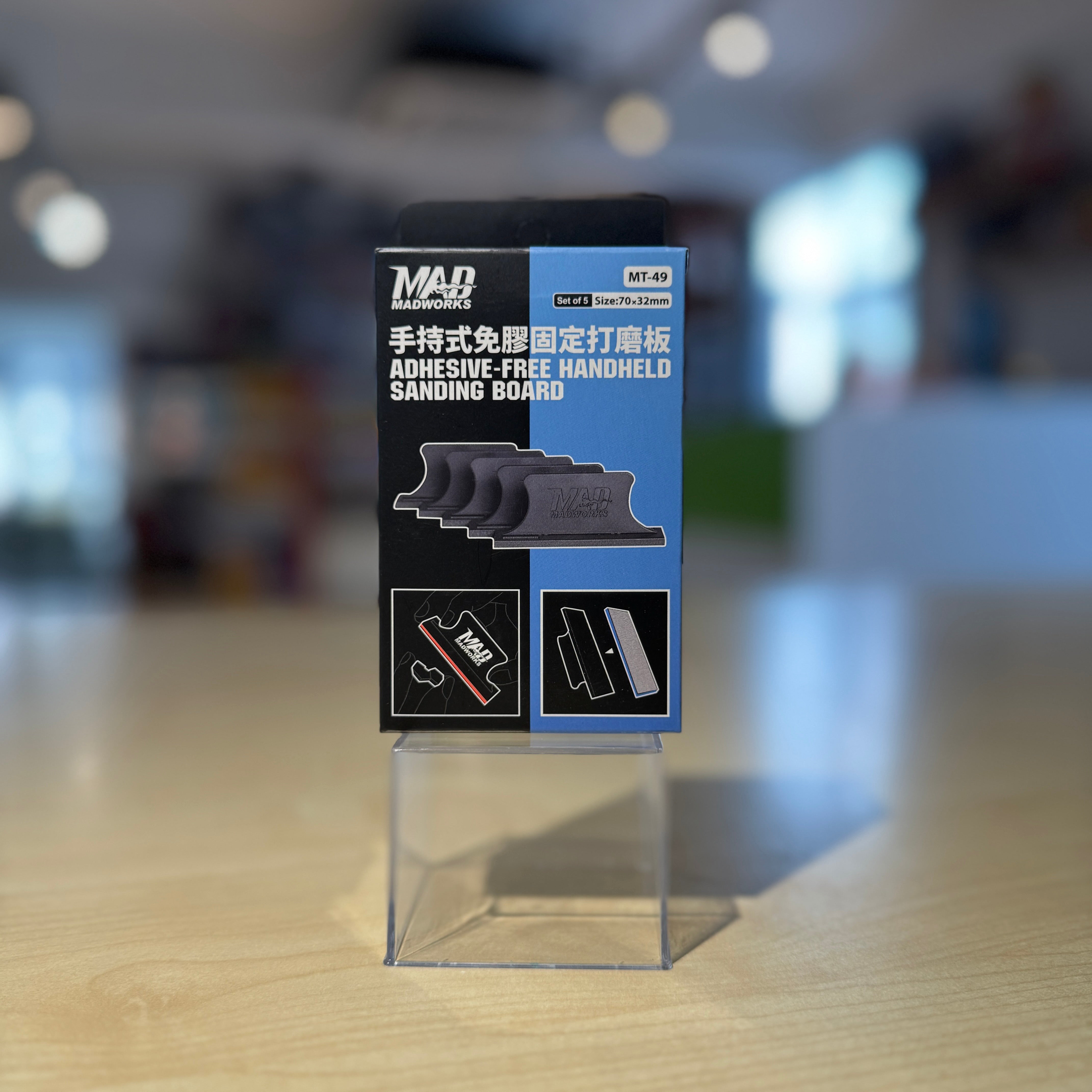
Madworks Adhesive-Free Handheld Sanding Board
For controlled sanding on flatter surfaces and edges

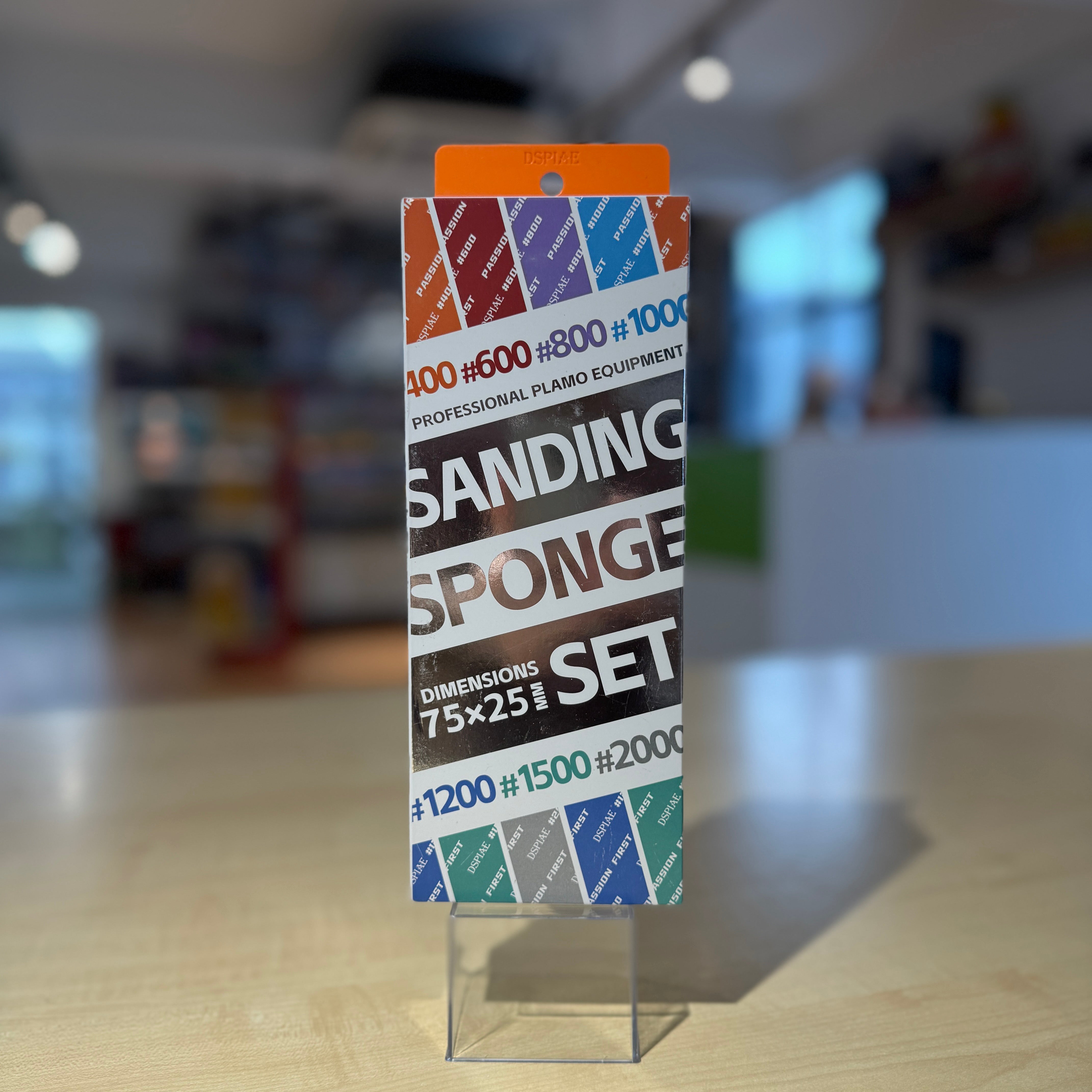
DSPIAE Sanding Sponge
For curved surfaces, rounded parts, and general surface cleanup.
Detailing & Customization Tools
When a build needs extra panel lines, drilled holes, seam work, or small modification, detailing tools become useful. These tools are not always needed for every straight build, but they help when you want cleaner lines, better part fitting, or more control over small custom details.
Panel Lines, Modification & Marker Detailing
This area covers the small detail work that helps bring more definition to a model kit — from deepening panel lines and drilling small holes, to seam work, marker detailing, and simple corrections.
Some tools here are for physical modification, such as chisels, pin vises, and cement. Gundam Markers are useful for builders who want to add panel lines, small details, and simple touch-ups without painting the whole kit.
For this guide, I group the markers into two simple areas: panel lining markers for adding detail lines, and cleaning markers for correcting mistakes or tidying up the finish.

Madworks Tungsten Chisel - Line Engraver
For adding or deepening panel lines and detail grooves.

74112 Tamiya Fine Pin Vise D-R
For drilling small holes for modification, metal parts, or detail work.

Mr Hobby Mr Cement SP
For plastic bonding, seam work, and cleaner assembly support.
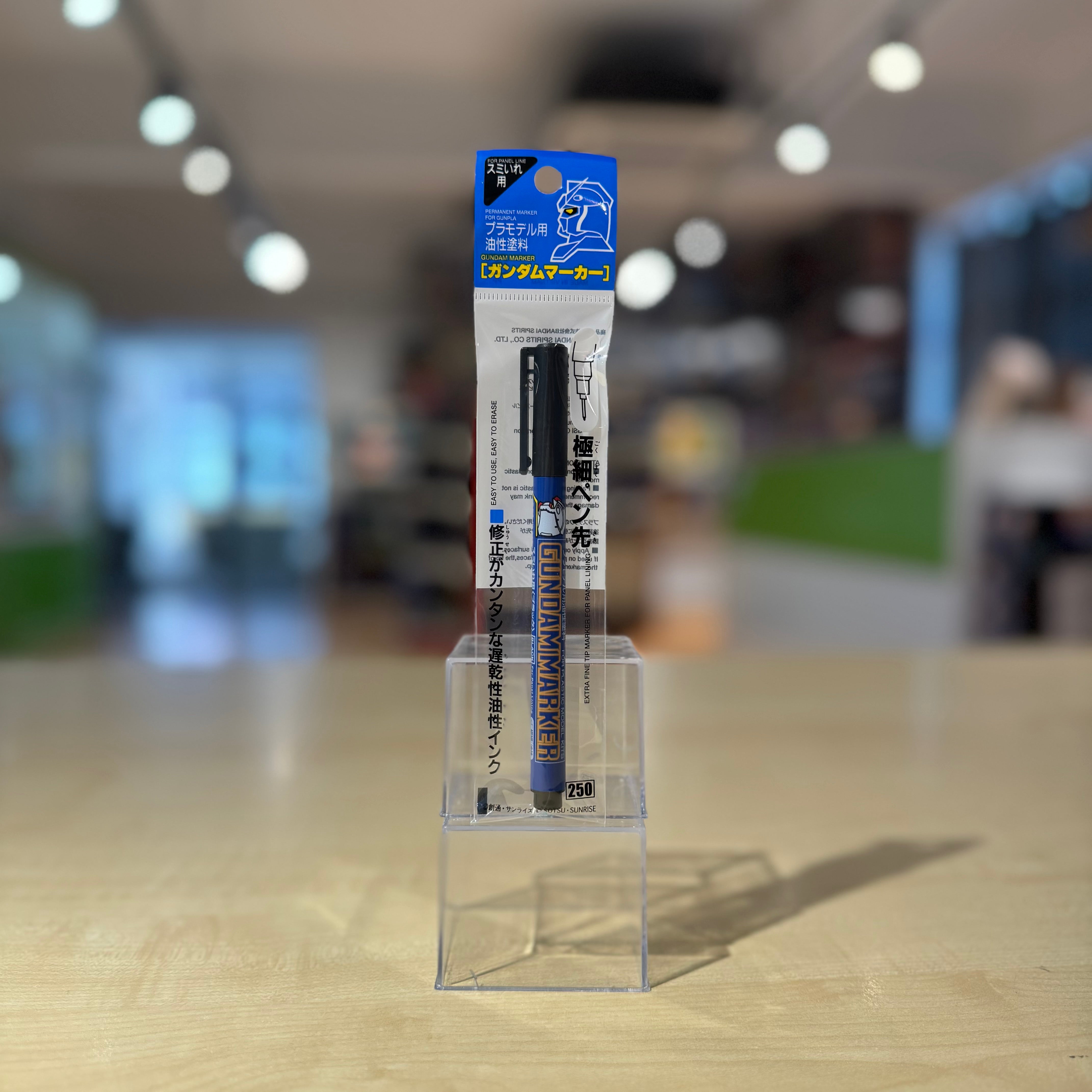
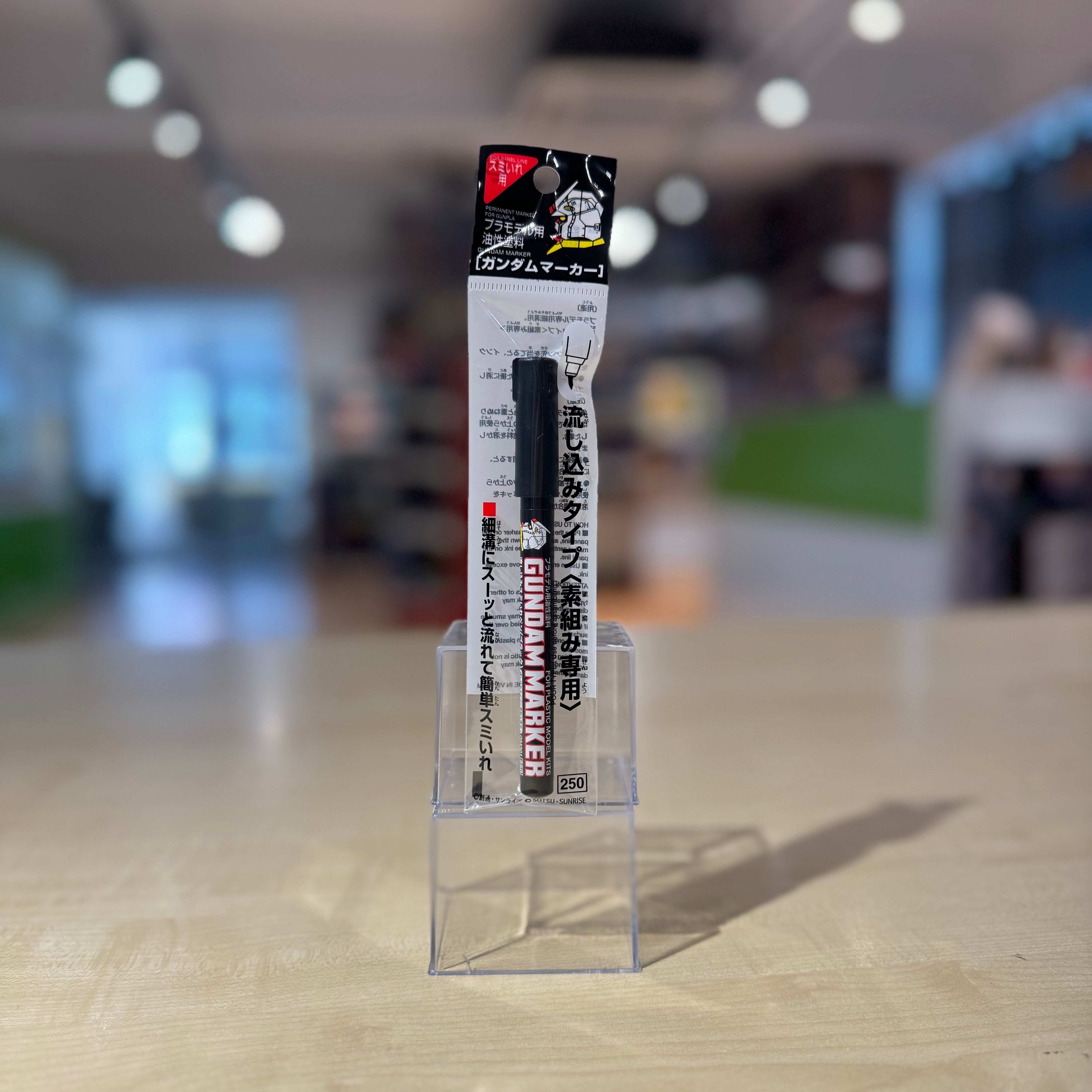
Panel Lining Markers
For adding panel lines and small detail lines to bring out the moulded details on Gunpla and other plastic model kits.
Includes black and grey options, plus super fine markers for more controlled line work.
- Gundam Marker Slushing Sumi-ire Pen (Black) GM301P
- Gundam Marker Slushing Sumi-ire Pen (Grey) GM302P
- Gundam Marker Super Fine (Black) GM01
- Gundam Marker Super Fine (Gray) GM02
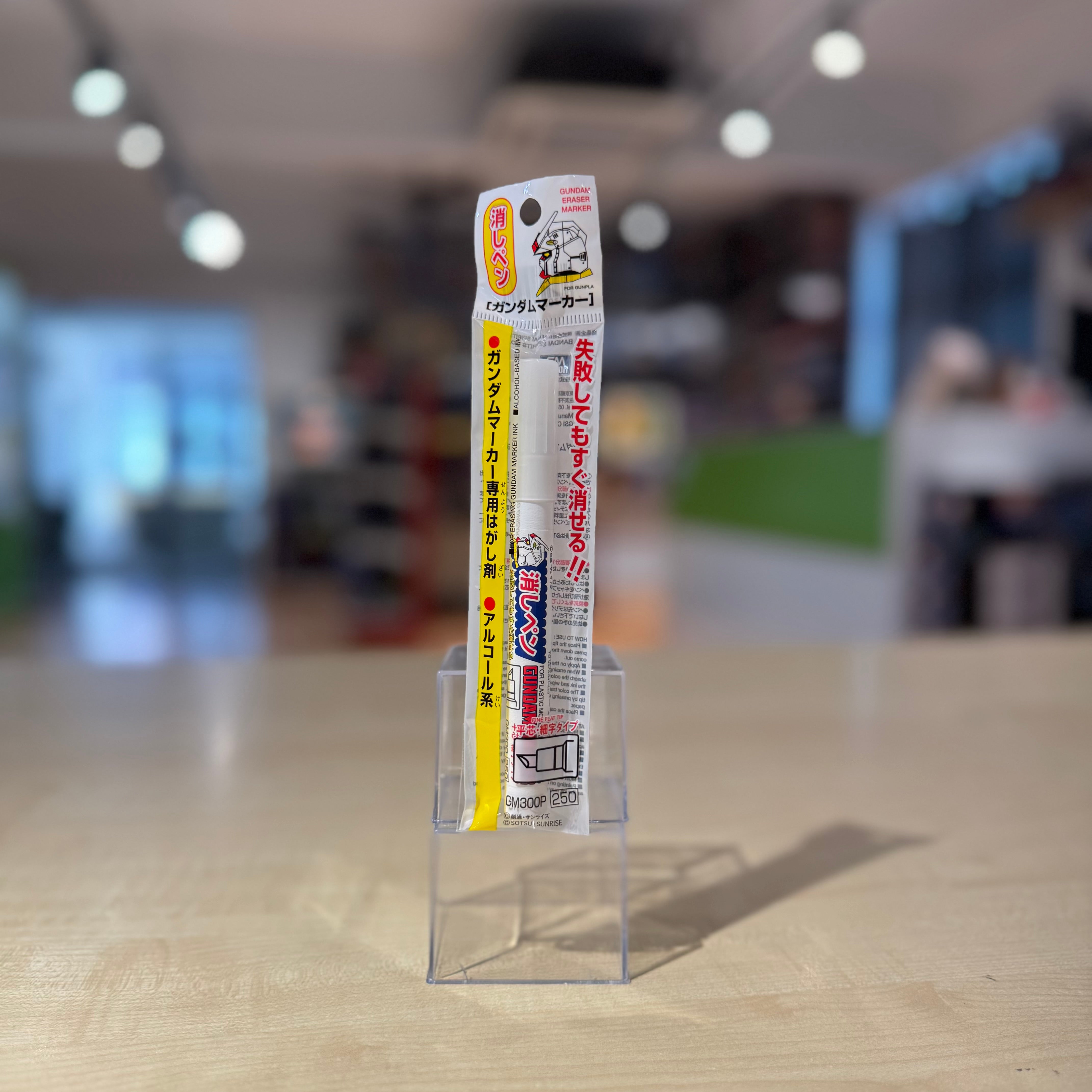
Cleaning & Correction Marker
For cleaning up Gundam Marker marks, correcting mistakes, and keeping panel-line work neater.
A useful support item when working with panel lining markers.
Maintenance & Storage
Model building is easier when the workspace stays protected, runners and small parts remain organised, and finished surfaces are kept free from dust.
This section brings together a few practical items that support a cleaner and more manageable building space — during assembly, between building sessions, and after the model is completed.
Workspace Protection & Organisation
A cutting mat helps protect the work surface during trimming, cutting and general assembly work, while runner stands and storage items help reduce clutter and keep parts easier to find.
Cleaning & Dust Care
Soft cleaning tools can help remove loose dust from model surfaces, display pieces and the surrounding workspace without using harsh cleaning methods.
The range is currently small, but these items provide a useful starting point for keeping the workbench organised and making each build easier to continue.
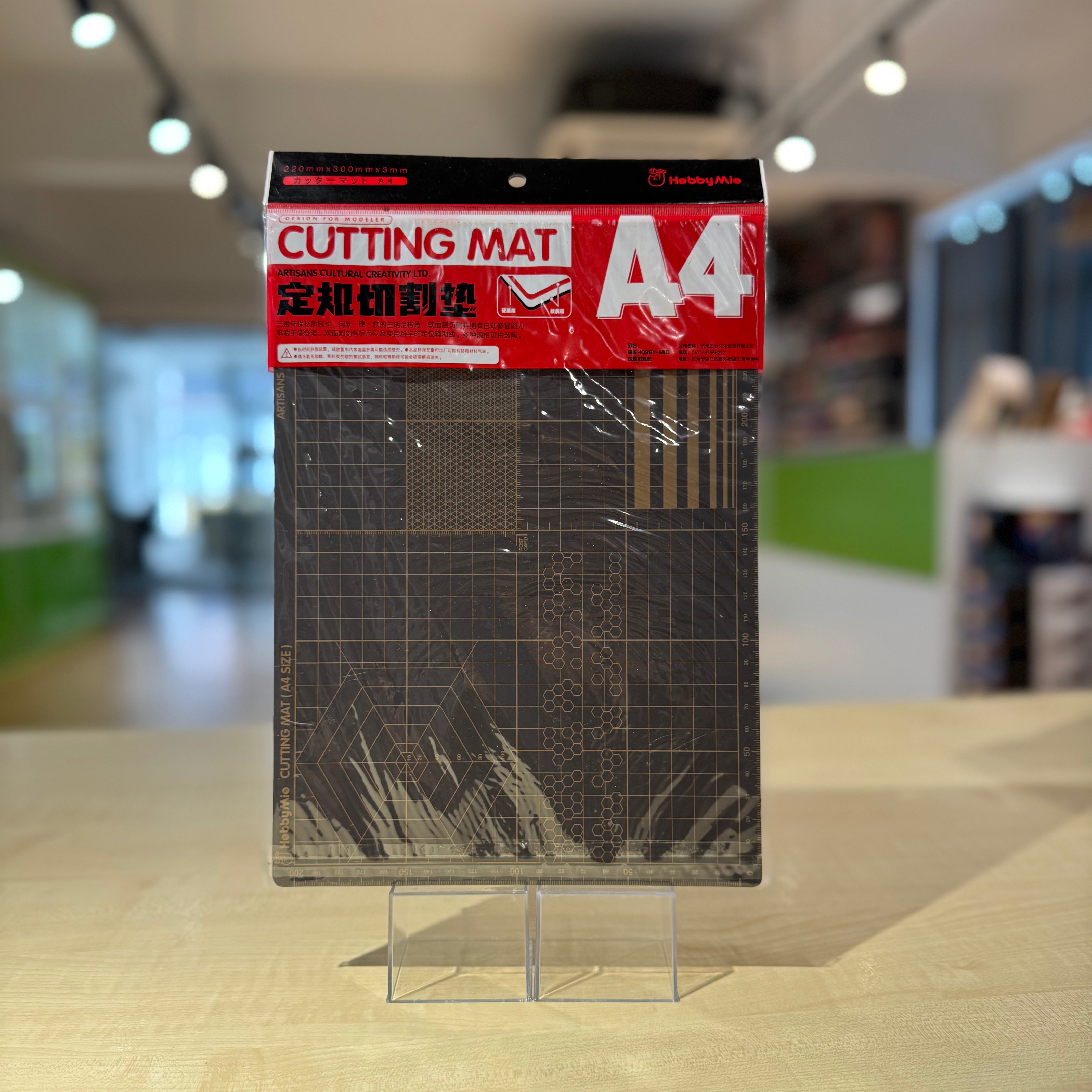
Cutting Mats
For protecting the work surface during cutting, trimming, sanding and general model-building work.
Available in three sizes to suit different workspaces and project needs:
- A4 — compact size for smaller desks, light assembly work and portable setups
- A3 — a practical all-round size for most model-building workbenches
- A2 — larger working area for bigger kits, multiple runners and more spacious setups
Each mat includes printed measuring and alignment guides to support cleaner, more controlled work.
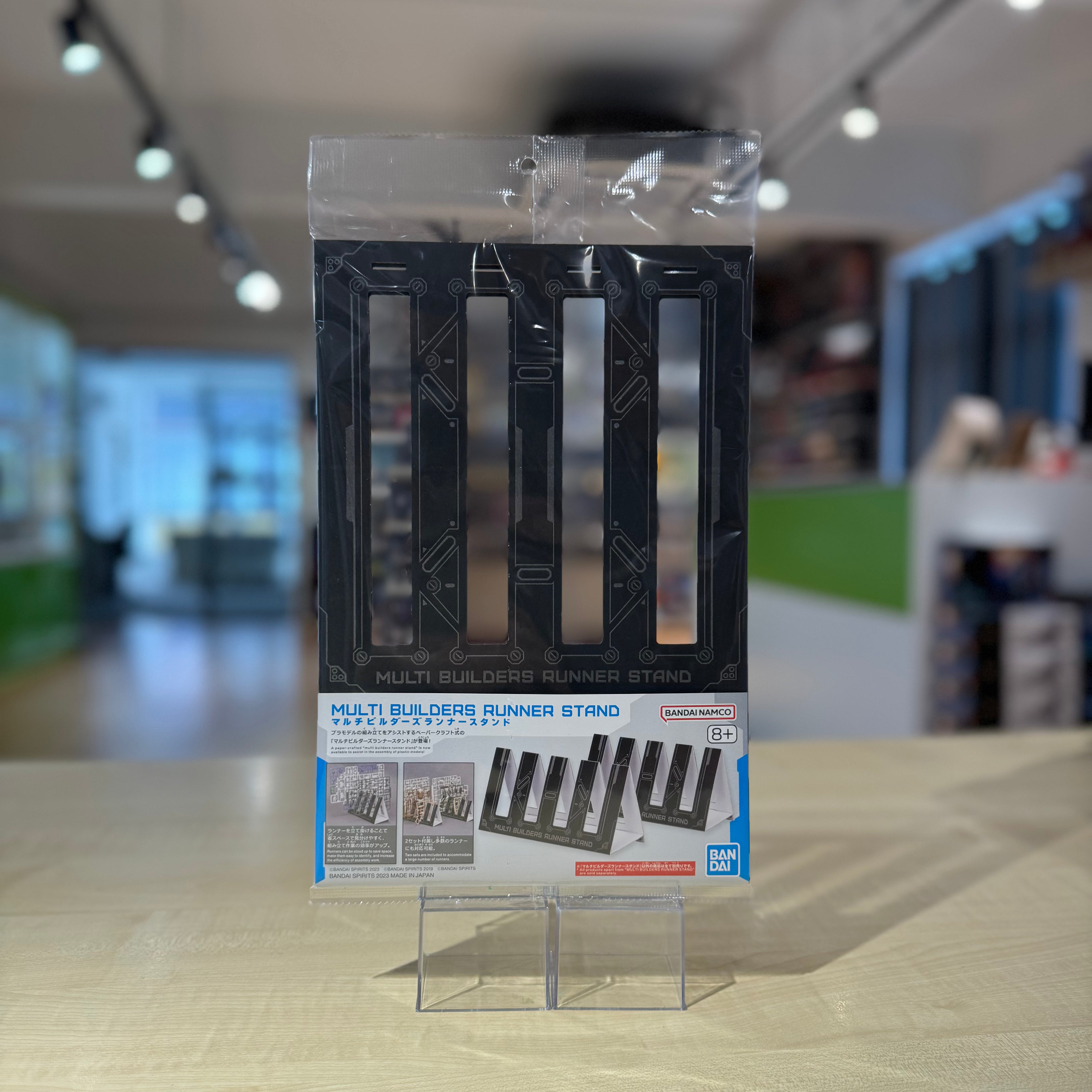
Bandai Spirits Multi Builders Runner Stand
For keeping runners upright, separated, and easier to identify while assembling a model kit.
The stand helps reduce clutter across the workbench and makes it easier to locate the runner you need without repeatedly searching through a stacked pile. It is especially useful for kits with many runners or for builders working in a smaller space.
Multiple stands can be used together when working on larger or more complex kits.
A Note from Ah Chong
You do not need to prepare everything at once. Start with what your current project needs, then slowly add the tools that match the way you build.
No pressure. Just build, slowly.


